Two driver controls for keeping the vehicle still
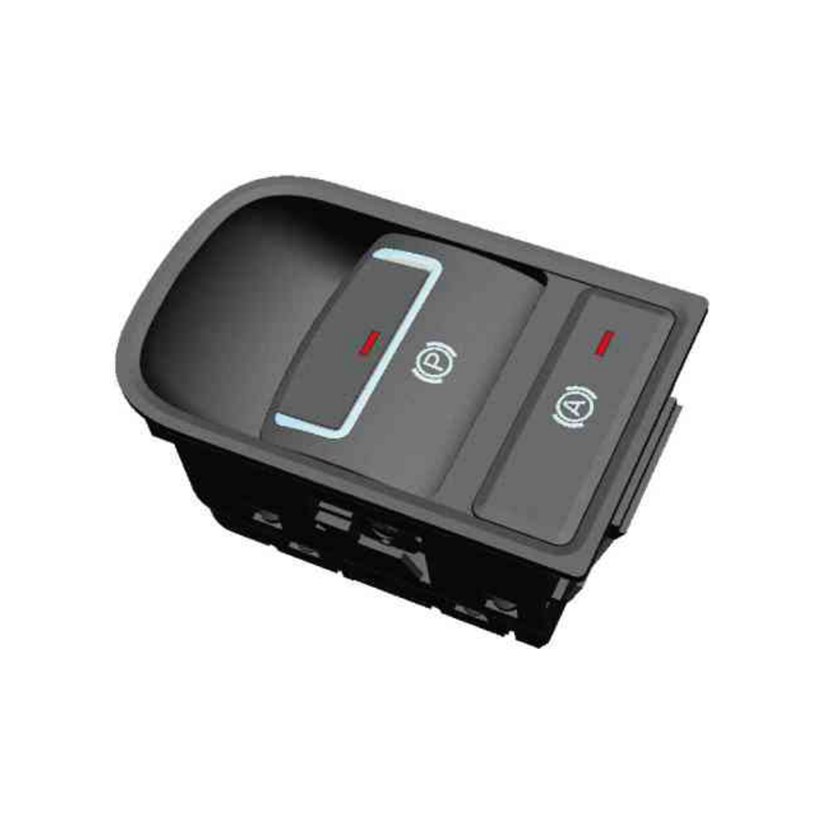
The two functions in this bezel are often specified separately, and they are not the same feature. The electronic parking brake replaces the handbrake lever: pulling the paddle asks the EPB control unit to apply the parking brake and hold it applied, including after the ignition is switched off, and pressing it asks for release. There is no cable pull at the switch and no mechanical latch — the paddle sends the request, and the holding force lives in the actuators.
Auto Hold is a driving-cycle convenience layered on the service brake. With it armed, the brake pressure the driver applied at a stop is maintained after the pedal is released, and it lets go automatically when the driver pulls away. It uses the same brake hardware rather than a second mechanism, and because it is a per-cycle function rather than a parking function it is armed and disarmed from its own button — which is why the two controls sit side by side rather than being merged into one.
Putting them in a single bezel means one panel aperture, one harness interface and one part number on the console instead of two, which is usually why a programme asks for the combined unit in the first place.
What the switch does, and what it does not
This distinction matters more here than on any other switch in the catalogue, because braking is involved. The EDK-2213 is an input device. It reports that the driver asked for apply, release or Auto Hold arming. Everything downstream of that request — driving the actuators, measuring and holding the clamp force, deciding whether the request is permitted in the current vehicle state, detecting an actuator fault, choosing the fallback behaviour and lighting a warning in the cluster — belongs to the vehicle's EPB control unit and brake system, not to this part.
That also means the functional-safety classification, diagnostic coverage and failure-mode handling are defined at brake-system level by the programme, and the switch is specified to fit inside that definition. If your build has an ASIL requirement, a redundant-contact scheme or a specific plausibility strategy for the driver request, send it with the RFQ and it becomes part of the switch specification rather than something assumed afterwards.
Reading the panel
Whether the brake system or the switch drives the indicators changes what the lamp means. Driven from the brake system, a lamp reports the achieved state; driven from the switch, it only confirms that the control was operated. Brightness and dimming are on the release drawing.
Its neighbours on the console
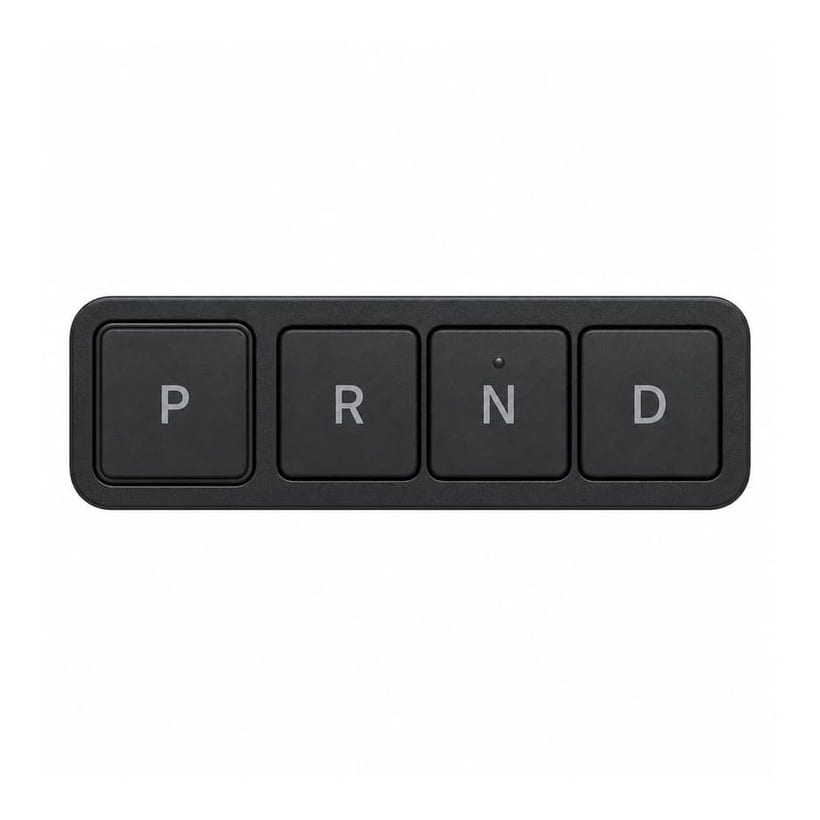
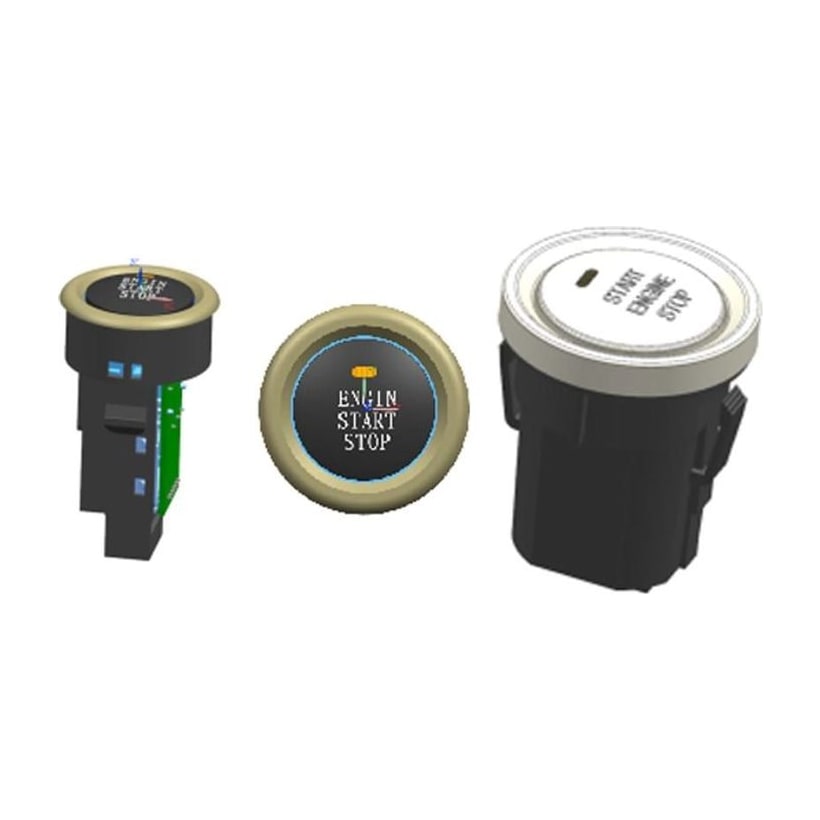
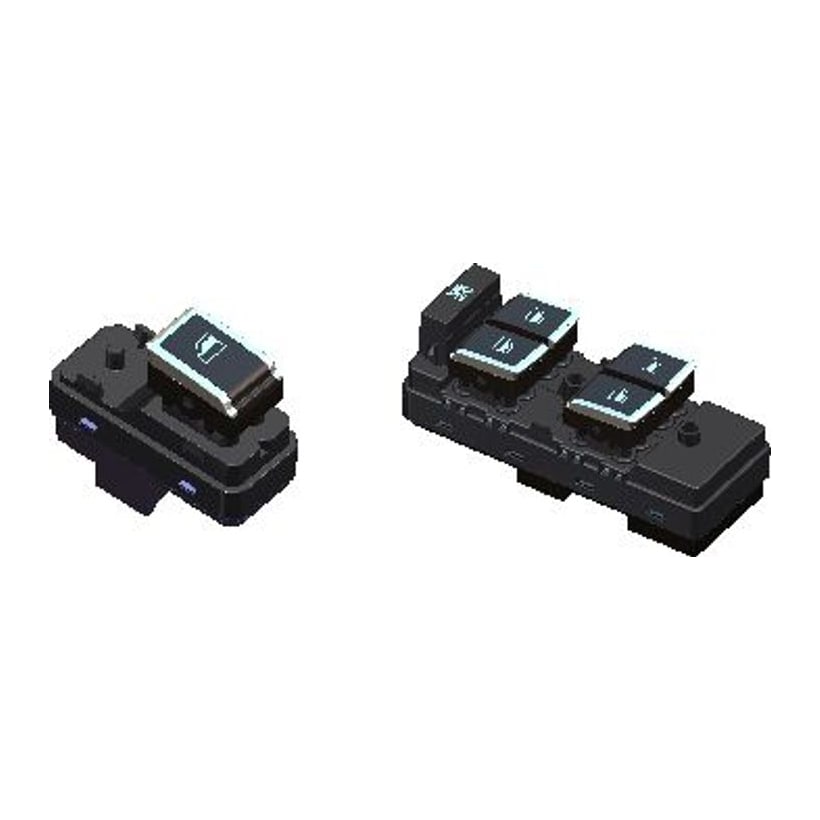
The EDK-2213 belongs to the Switches & Sensors family as a console HMI input. Its natural neighbours are the other driveline and console controls: the EDK-916 rotary gear selector (R / N / D / S) is the neighbouring range control, and it is a separate part from this parking-brake switch; the TDK-902 / TDK-905 start-stop button is the other single-purpose console button on the same panel; and the TDK-2202 / 2203 power-window and central-lock switch covers the door-side half of the same cabin HMI set. The switch selector lists the family side by side, and the Switches & Sensors buyer guide covers how console inputs reach the controllers that act on them.
Build and validation
Built under IATF 16949 with APQP project planning and a PPAP package available for OEM programmes. End-of-line testing follows the programme's control plan, and because this is a brake-system input the test content and the acceptance limits are agreed with the customer rather than set by us. Sealing, endurance and environmental validation are run on a sample basis in our in-house lab.
What buyers ask first
Is this one part or two? One part — a single bezel in a single panel aperture, with an integrated connector body at the base.
Does the switch apply the brake? No. It sends the driver's request; the EPB control unit drives the actuators, holds the clamp force and handles faults. Treat this part as an input in your architecture.
What is the difference between the P button and the A button? The P paddle requests the parking brake, which the EPB control unit keeps applied with the vehicle switched off. The A button arms Auto Hold: the brake system holds service-brake pressure at a stop within a driving cycle and releases it when you pull away.
Is it CAN or hard-wired? Both. One CAN channel and one hardwire output rated 500 mA. Baud rate and the message map are confirmed per programme.
Can the symbols, indicator colour or bezel finish be changed? Background and function-lamp colours can be customized. Symbols, bezel finish and the console aperture are set on the release drawing.
How to ask
Send the connector, which force belongs to which control if the two have to be distinguished, and how your EPB control unit uses the driver request. A console drawing is enough to start. Use the contact page; drawings welcome.