Overview
The EDK-2006 is the combination control panel that sits in the centre of a cab dash and carries the controls a driver reaches for most: the headlights, the instrument-panel brightness and a multi-mode economy setting, with a guarded button for a function that must not be triggered by accident. Grouping them into one 112.7 × 57 × 57.1 mm moulded panel replaces several separate switches, keeps the dash tidy and reduces the number of parts and harness connectors an OEM has to fit. It runs on an 18–32 VDC (24 V) system.
The three rotaries and the button are operator inputs: they send switching and adjust signals that the vehicle’s own lighting, body-control or instrument systems act on, with the exact division of switching and dimming confirmed per programme. The panel carries a blue backlight for night use and a green status indicator, both customisable to match the cab.
The controls
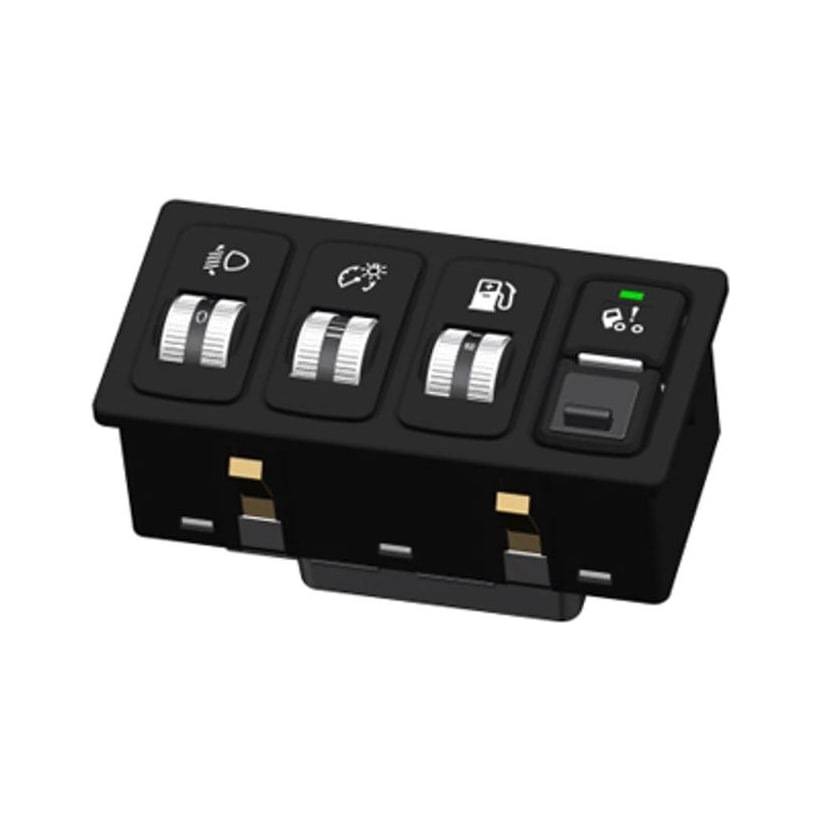
The face groups four controls, from the panel’s published specification:
- Headlamp rotary — 4 positions. A four-position lighting rotary marked with the headlamp symbol; on the connector it brings out a headlight-level adjust line (pin 9). Which lamp states each position maps to is set by the vehicle’s lighting logic per programme.
- Instrument dimmer — 190° stepless. A continuous rotary that dims the instrument-panel illumination across a 190° sweep.
- Multi-mode eco selector — 3 positions. A three-step rotary for the vehicle’s economy / fuel-saving modes.
- Guarded button. A recessed, inadvertent-actuation-resistant button held to a 500 ± 150 gf press, with a green indicator, for a function that must not be actuated by accident — on this panel wired to the cab-tilt signal.
The exact position labels and icon set are set per programme; the electrical function of each output is defined by the connector below. Note the > 30,000-operation life figure is the rating for the button — a low-frequency, guarded control — not for the rotaries.
Connector & pinout
The EDK-2006 mates with an AMP 936196-8 12-way connector. The panel takes its parking-light and ignition-ON feeds in, and brings the adjust and signal lines out; unused ways are left empty. The published port definition is:
| Pin | Function |
|---|---|
| 1 | — (not connected) |
| 2 | Position / parking-light feed |
| 3 | Cab-tilt signal |
| 4 | Ignition-ON feed |
| 5 | Ground (GND) |
| 6 | — (not connected) |
| 7 | Multi-mode eco adjust |
| 8 | — (not connected) |
| 9 | Headlight-level adjust |
| 10 | — (not connected) |
| 11 | Backlight-brightness adjust |
| 12 | — (not connected) |
Pins 2 (parking-light feed), 4 (ignition-ON feed) and 5 (ground) are the panel’s supply and reference; pins 7, 9 and 11 carry the adjust lines for eco mode, headlight level and backlight brightness; pin 3 is the signal from the guarded button. How each adjust line is interpreted — a stepped switch level or a variable signal — is confirmed against your instrument-cluster and body-control logic at RFQ.
Sealing, feel & use
The EDK-2006 is a dash-interior control: it is rated IP5KX, meaning it is dust-protected to the road-vehicle standard (ISO 20653), with the water-ingress class not claimed — appropriate for a cabin dash position rather than an exposed or wash-down location. The button is held to 500 ± 150 gf and rated to > 30,000 operations, consistent with a guarded control used occasionally rather than a high-cycle rocker. It works across −30 to +85 °C with −40 to +90 °C storage, and carries a customisable blue backlight and green indicator.
Choosing the EDK-2006
The EDK-2006 suits a driver-facing dash cluster that combines lighting, dimming and mode control in one moulded panel with rotaries. It is a hard-wired combination switch, distinct from the other panels in the range:
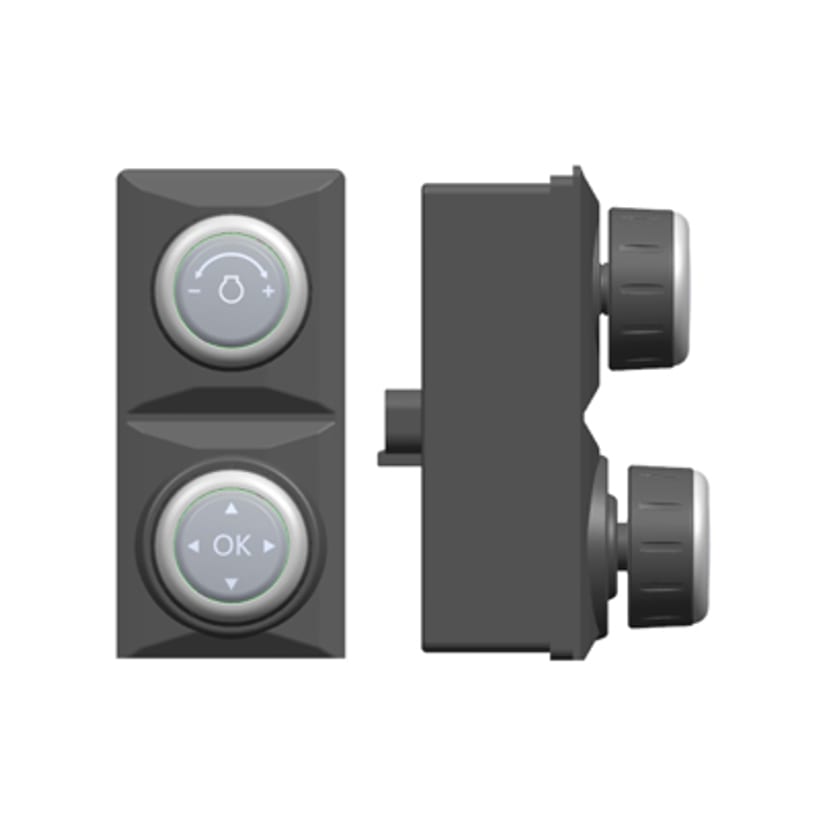
- A rotary control on the bus. Where the cab prefers rotaries reporting over CAN rather than discrete adjust lines, the EDK-2403 dual-rotary CAN switch is the networked counterpart.
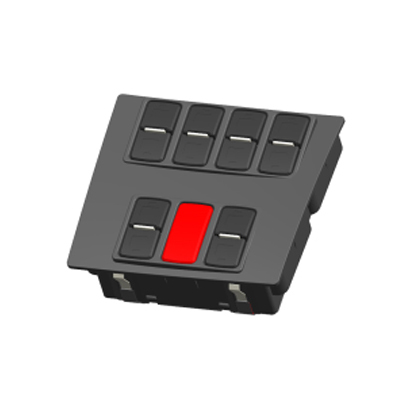
- A bank of rocker functions. Where the need is many on/off work-light and auxiliary functions rather than rotaries, the EDK-907 CAN rocker switch panel puts each function on a rocker.
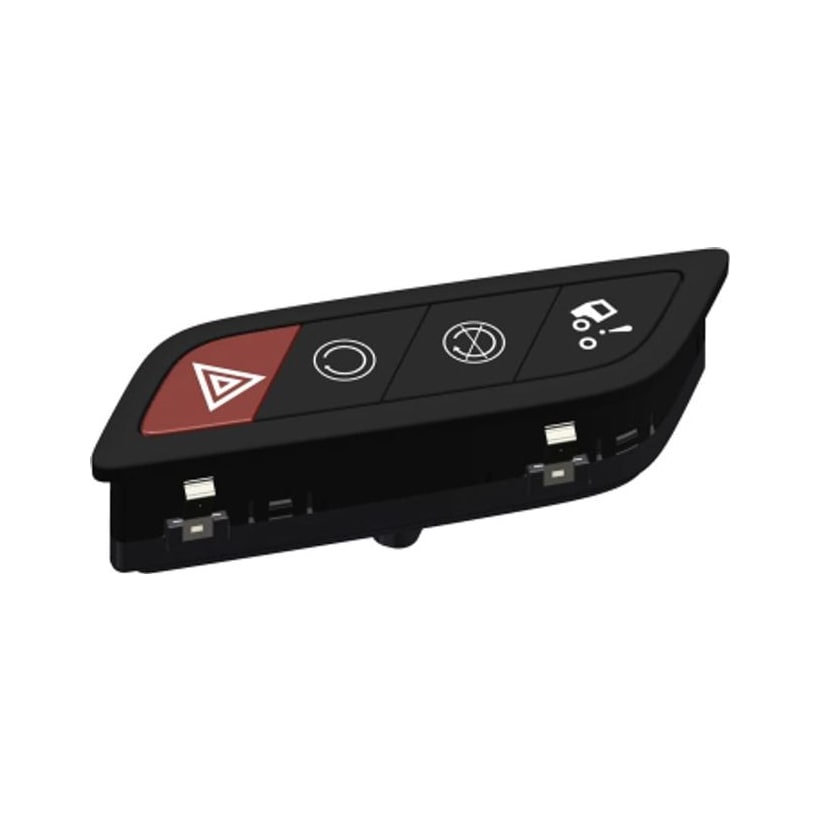
- A door-side function group. Where the controls belong at the cab door — cab-tilt, ground-level start / stop and hazard — the EDK-2010 cab door-panel switch is the sealed IP67 unit for that position.
As the driver-input side of the vehicle lighting chain, the EDK-2006 pairs with a lighting control module (or the lighting function inside a BCM) that does the actual switching and dimming — see the lighting control module guide for how the switch, module and lamps connect. For the wider trade-off between hard-wired switch panels and CAN switching, see the CAN bus switch panel guide, or browse the full Switches & Sensors range.
Manufacturing & testing
Built under IATF 16949 with APQP project planning and a PPAP package available for OEM programmes. End-of-line testing follows the programme’s control plan — typically rotary detent and output continuity, button actuation force and illumination — while endurance, dust sealing and temperature soak are validated on a sample basis in our in-house lab when a programme calls for fresh qualification.
Common questions from buyers
What controls are on the panel? A 4-position headlamp-level rotary, a 190° stepless instrument-dimmer rotary, a 3-position multi-mode eco selector, and one guarded button with a green indicator — all on the AMP 936196-8 12-way connector shown in the pinout above.
Does the switch drive the headlights and dimming directly? It is a control switch: the rotaries and button send switching and adjust signals, and the vehicle’s lighting, body-control or instrument systems act on them. The panel takes parking-light and ignition-ON feeds in on pins 2 and 4; the exact split of switching and dimming is confirmed per programme.
Is it sealed for an exposed position? It is rated IP5KX — dust-protected, water class not claimed — so it is a dash-interior control, not an exterior or wash-down part.
Why is the button life only > 30,000 cycles? That figure is for the guarded button, which is a low-frequency control (here the cab-tilt signal). It is not a limit on the rotaries.
Can the labels, indicator and backlight colours change? Yes — the position labels and icon set are set per programme, and both the green indicator and blue backlight are customisable.
How to ask
The EDK-2006 belongs to the Switches & Sensors family. Tell us the target vehicle programme, the system voltage, the icon set and position labels you need, and how the lighting, instrument-dimming and eco functions are wired — and we will confirm the connector pinout, the adjust-line behaviour and the indicator / backlight colours. Use the contact page; drawings welcome.